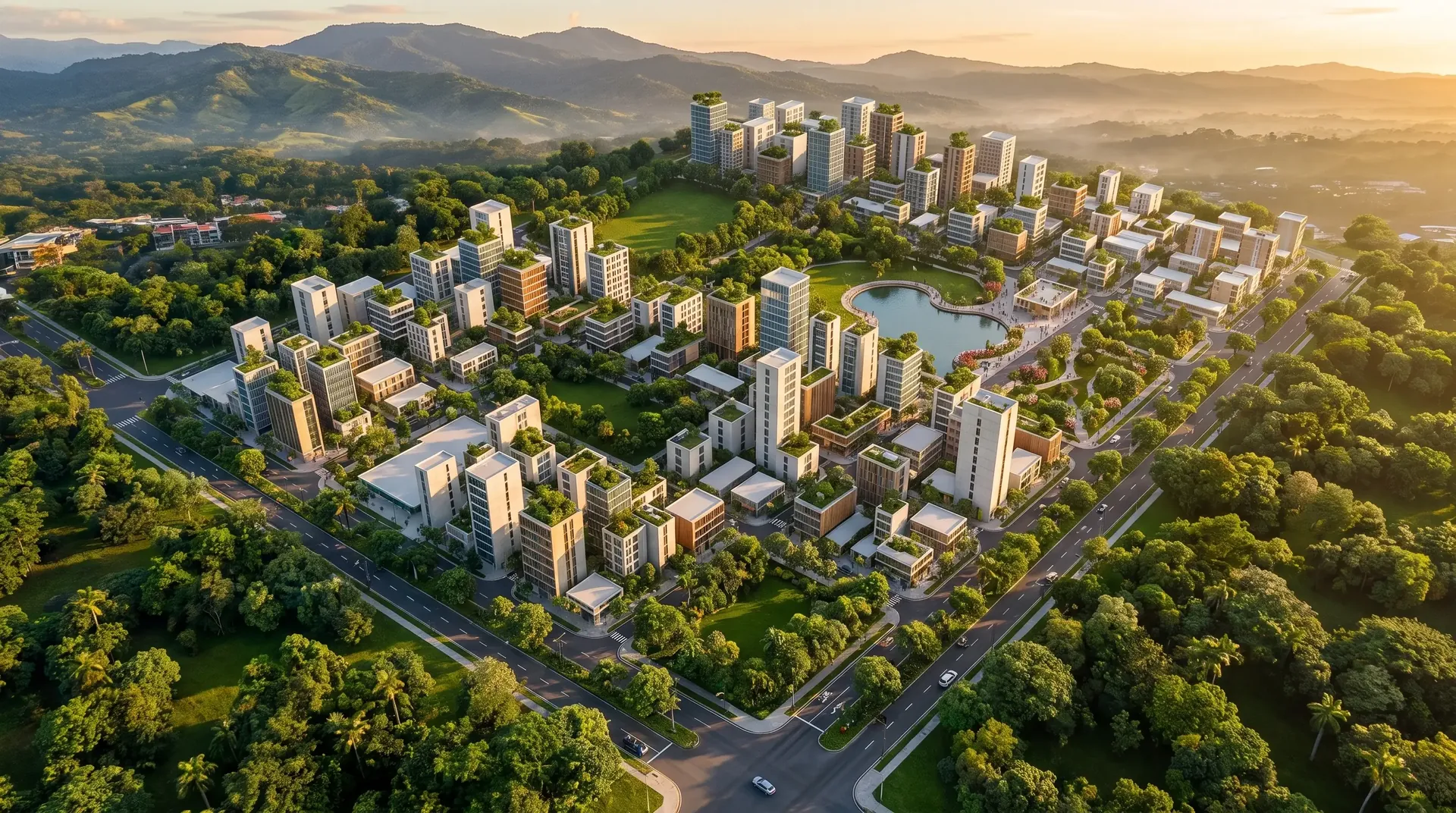
Architectural renders · CanadaFrom design
to real photo.
Upload your SketchUp or Revit model, a CAD drawing, a sketch or the floor plan. Get photorealistic renders and videos that look like they were shot at the finished, brand-new project.
What it is
What is Render Studio?
Render Studio is an online platform that turns architectural designs —SketchUp, Revit, ArchiCAD or Rhino captures, CAD drawings, 2D floor plans and hand sketches— into photorealistic renders and videos with artificial intelligence, in minutes. It is built for architects, design studios, real estate developers and agencies that need to present or pre-sell a project before it is built. Plans start at $19 per month.
| Traditional rendering | Render Studio | |
|---|---|---|
| Turnaround | Days or weeks | Minutes |
| What you need | Full model with textures, lights and camera | A capture of the model, a drawing or a sketch |
| Changes (time of day, material, style) | New quote and more days | Instant, within your plan |
| Video | Separate animation, extra cost | Included in every plan |
| Price | Per image, depends on the studio | Monthly plan from $19; under $0.70 per image |
Canada
Photorealistic renders for architects and developers in Canada
For architecture firms, residential designers, builders and developers in Toronto and the GTA, Vancouver, Montreal, Calgary, Edmonton and Ottawa: custom homes, laneway and garden suites, multiplexes, condo presales, cottages and mixed-use projects.
Upload a SketchUp or Revit capture, a floor plan or a sketch and get renders and short video walkthroughs for presale marketing, client approvals and social media in minutes, without paying per image.
- Priced in US dollars; your card converts to Canadian dollars
- Pay by credit or debit card
- Electronic export invoice issued from Costa Rica
- Email support in English during North American business hours
Before and after
Drag and compare.
Same project, same geometry, same framing. Render Studio respects your design and adds the light, materials and surroundings of a real photograph.
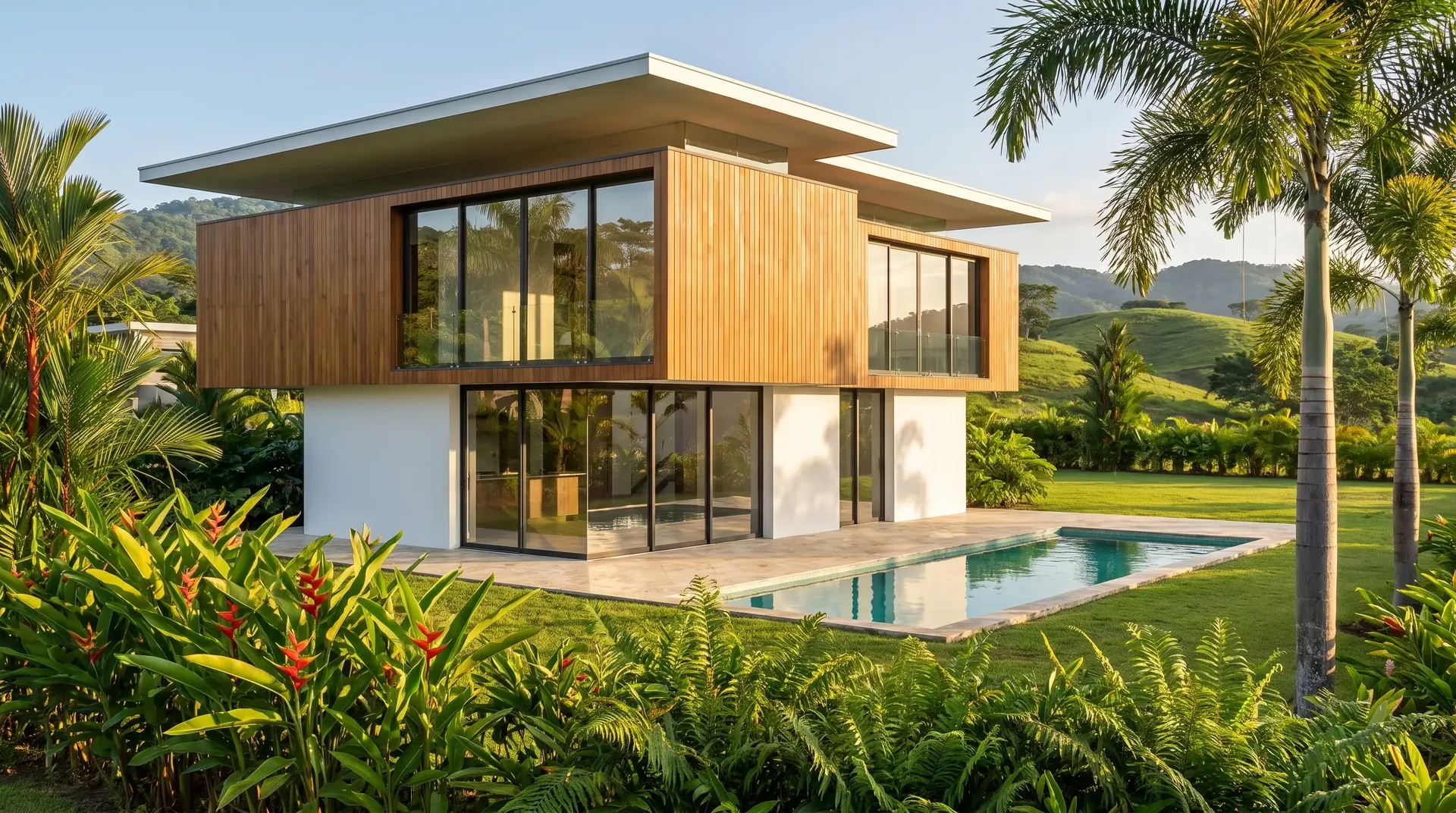
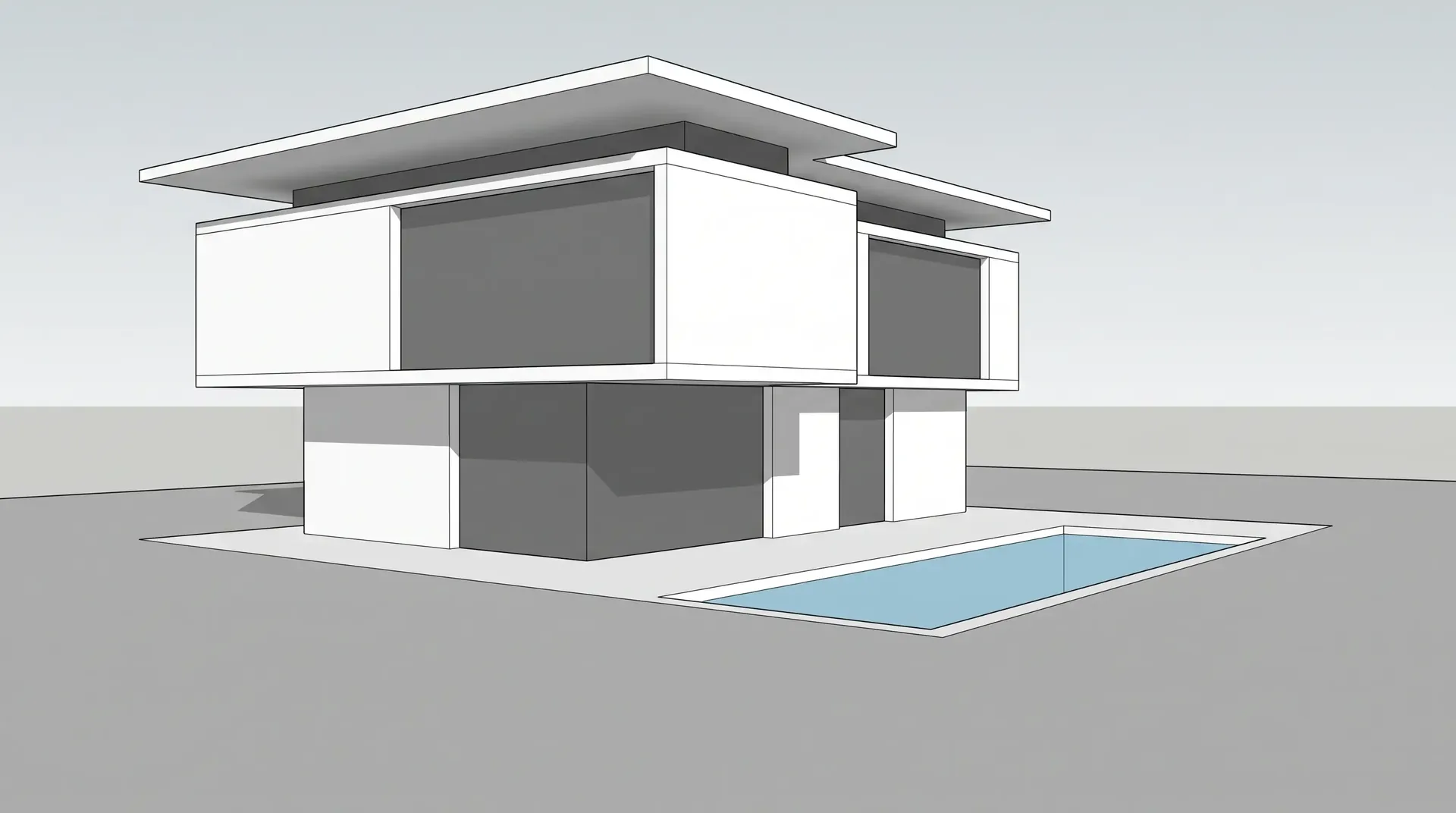
Hillside house · untextured SketchUp capture → architectural photo
What you can upload
Any starting point.
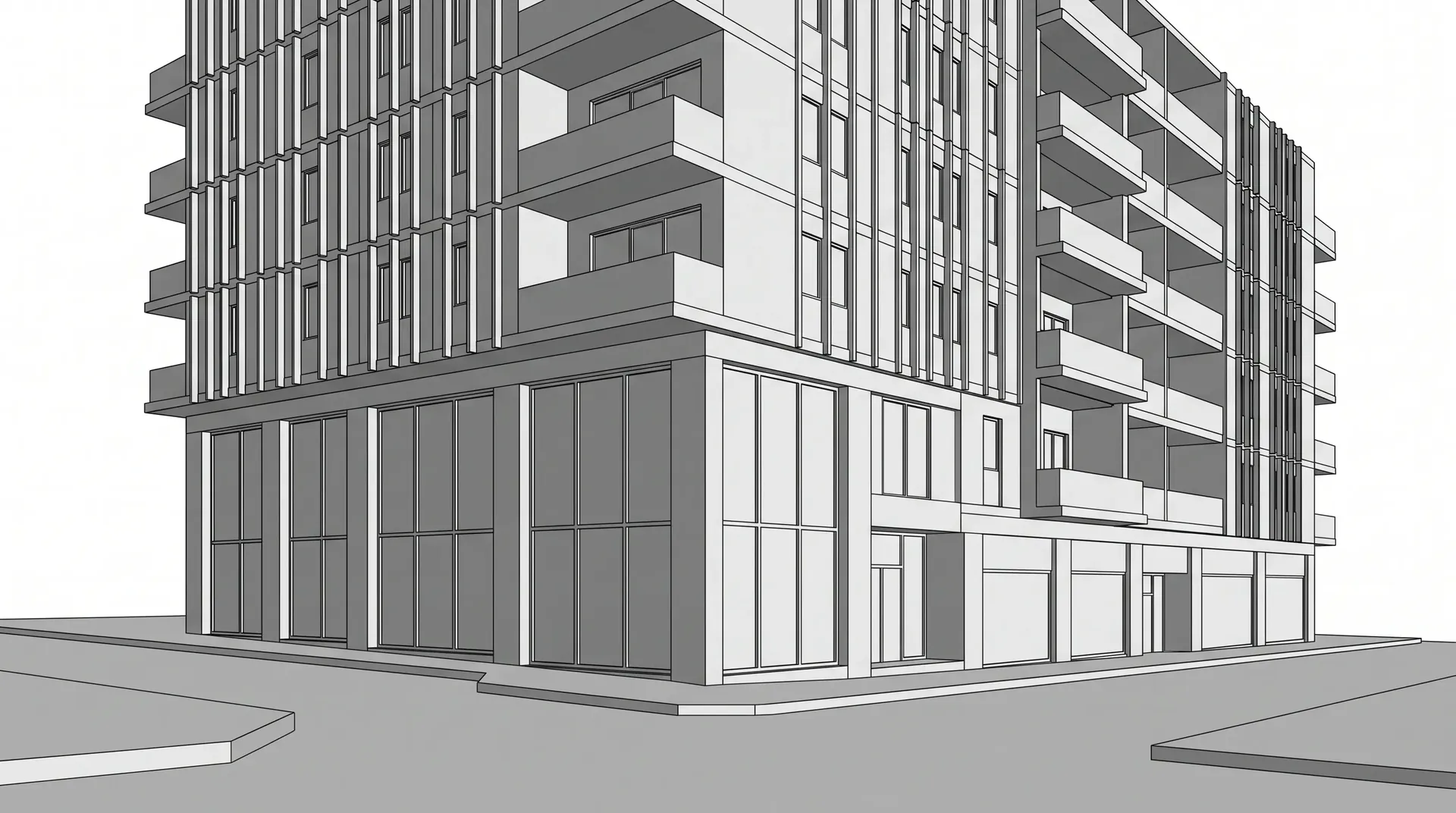
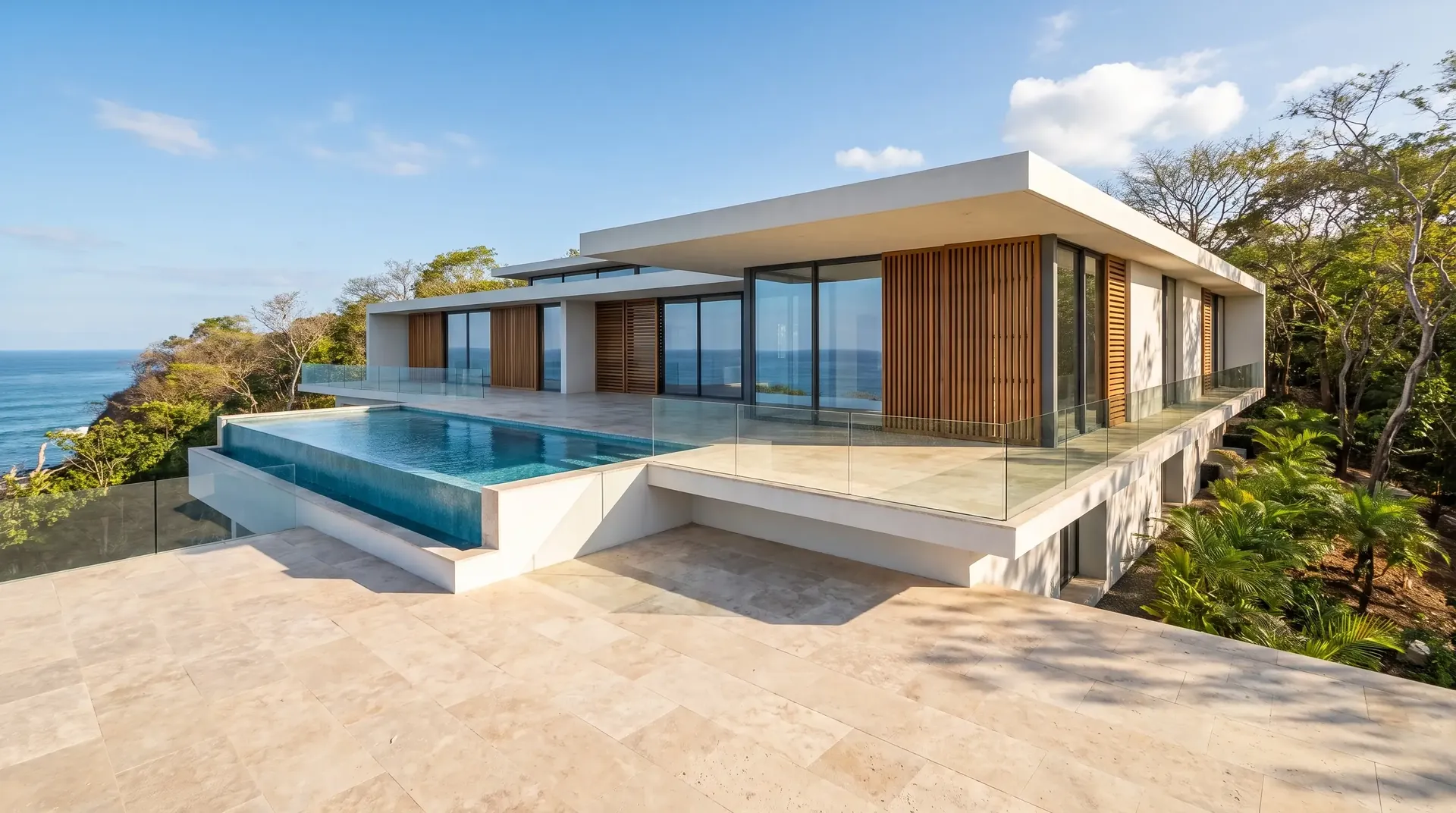
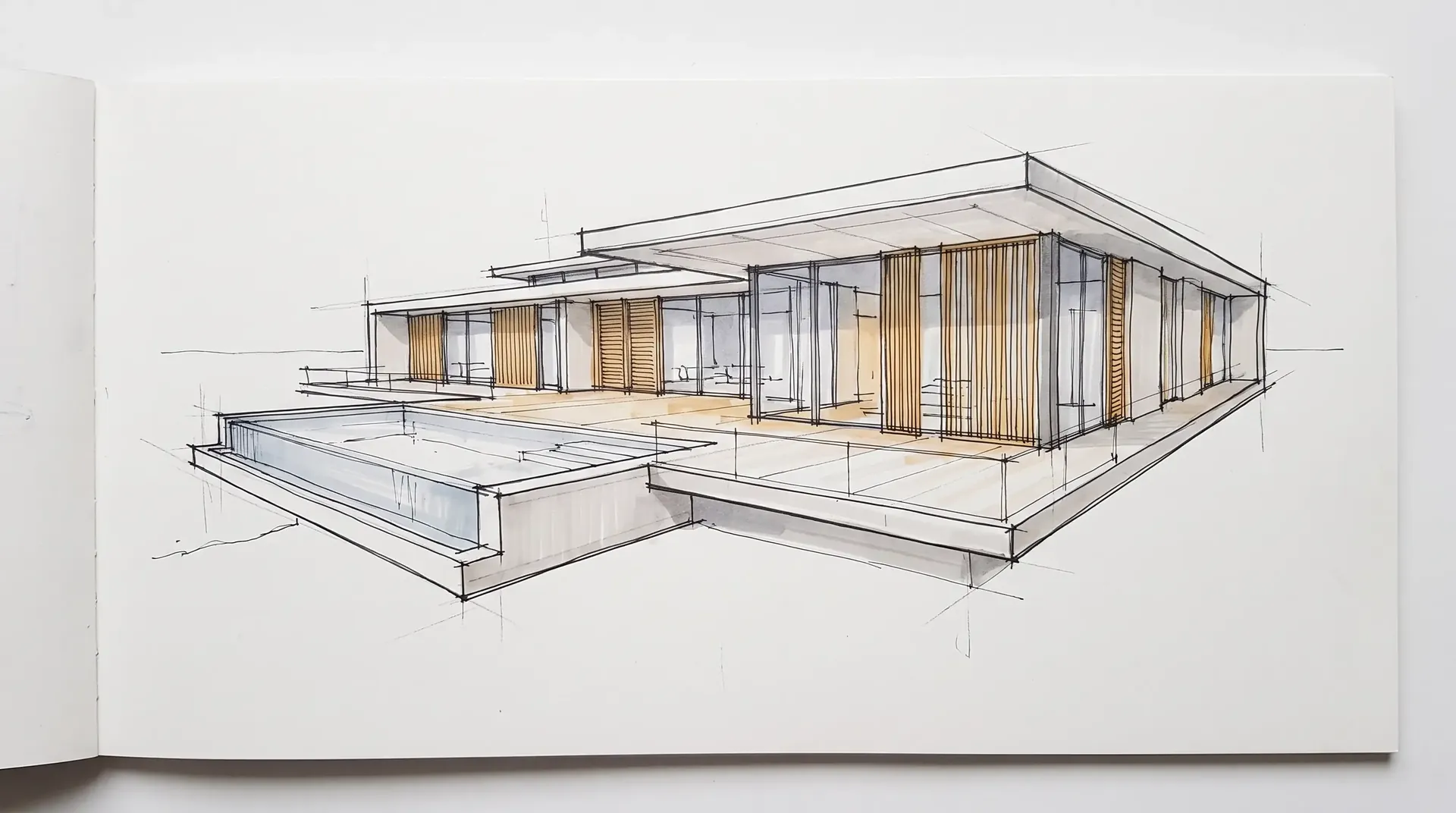
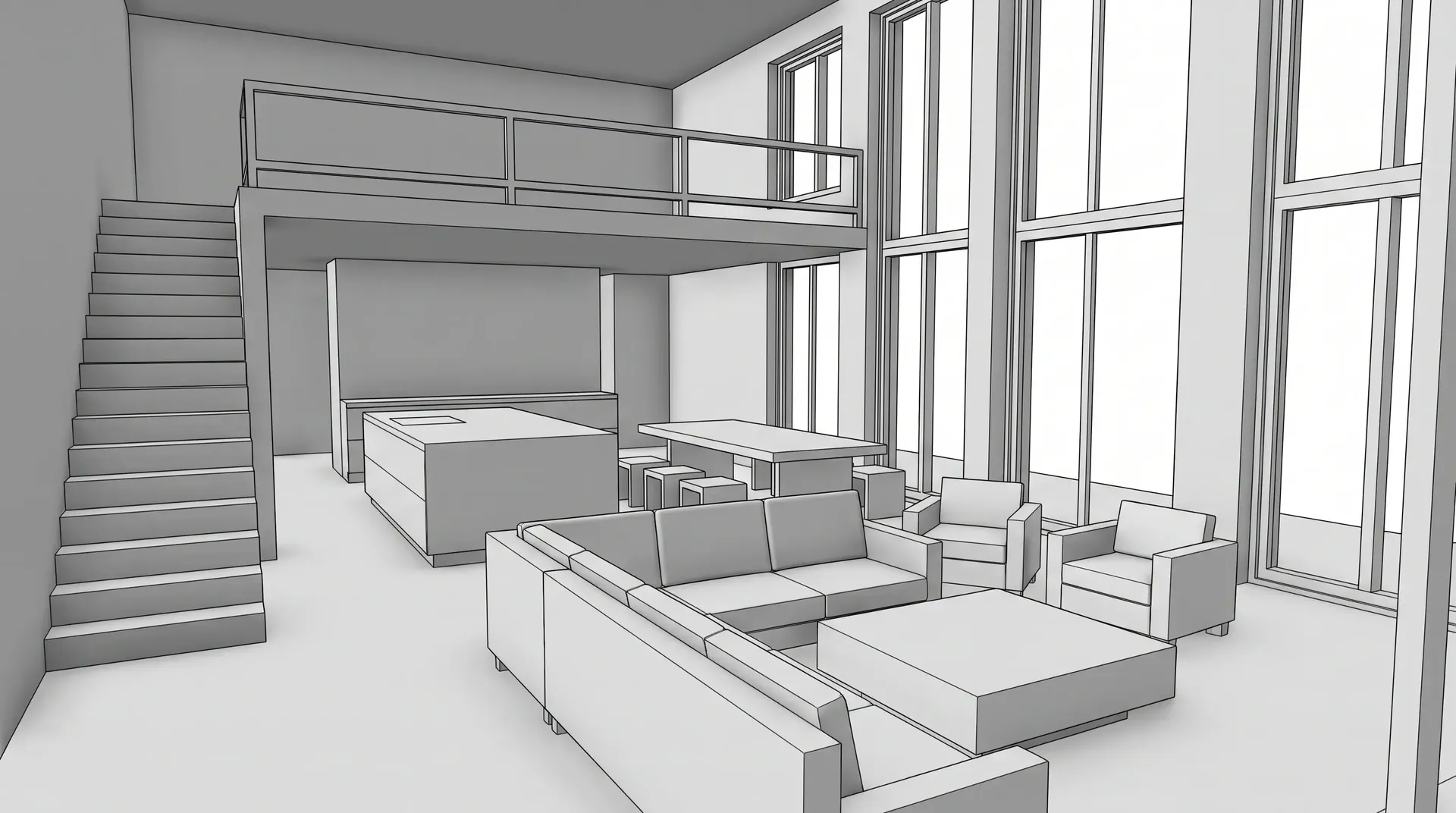
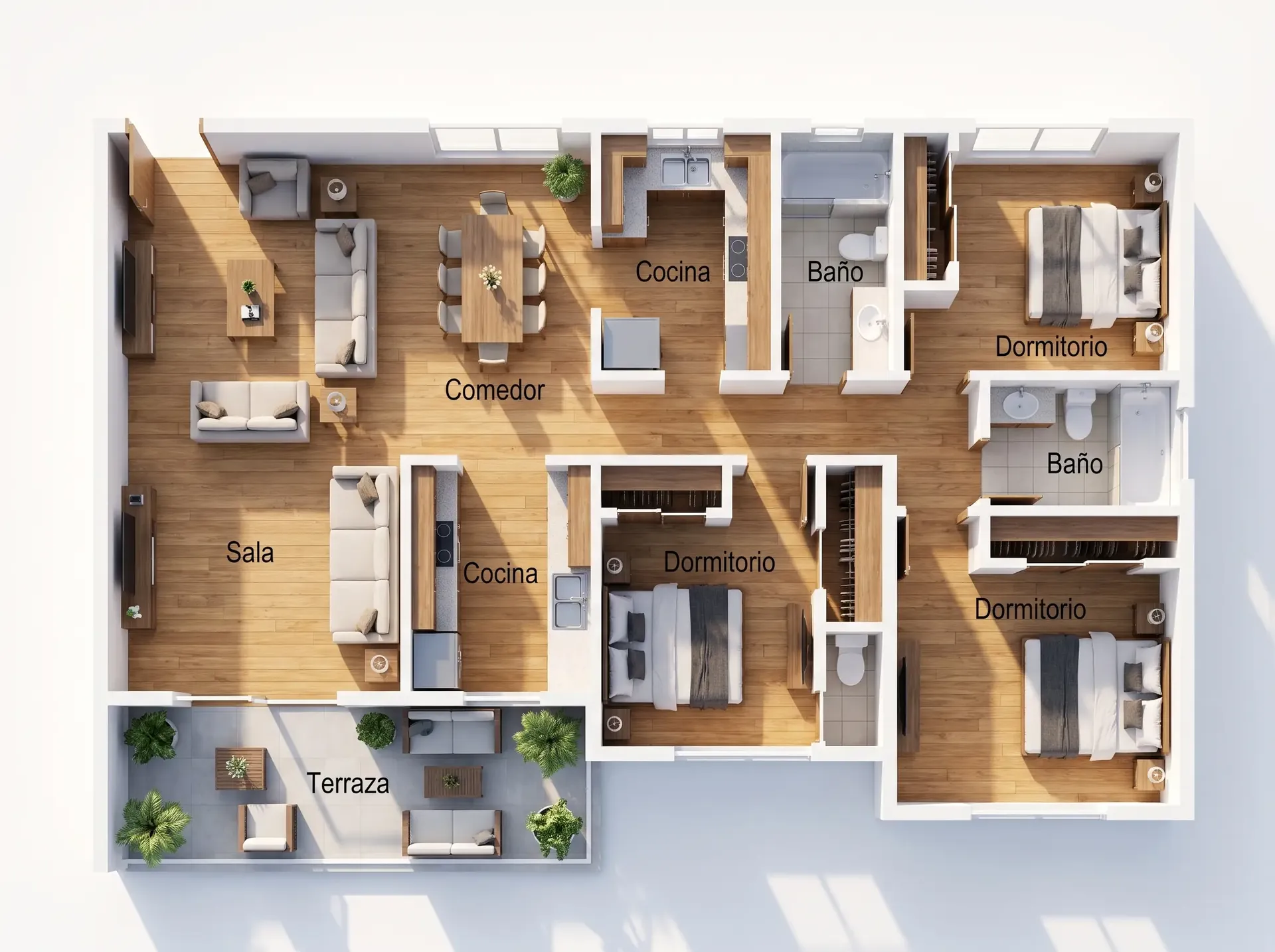
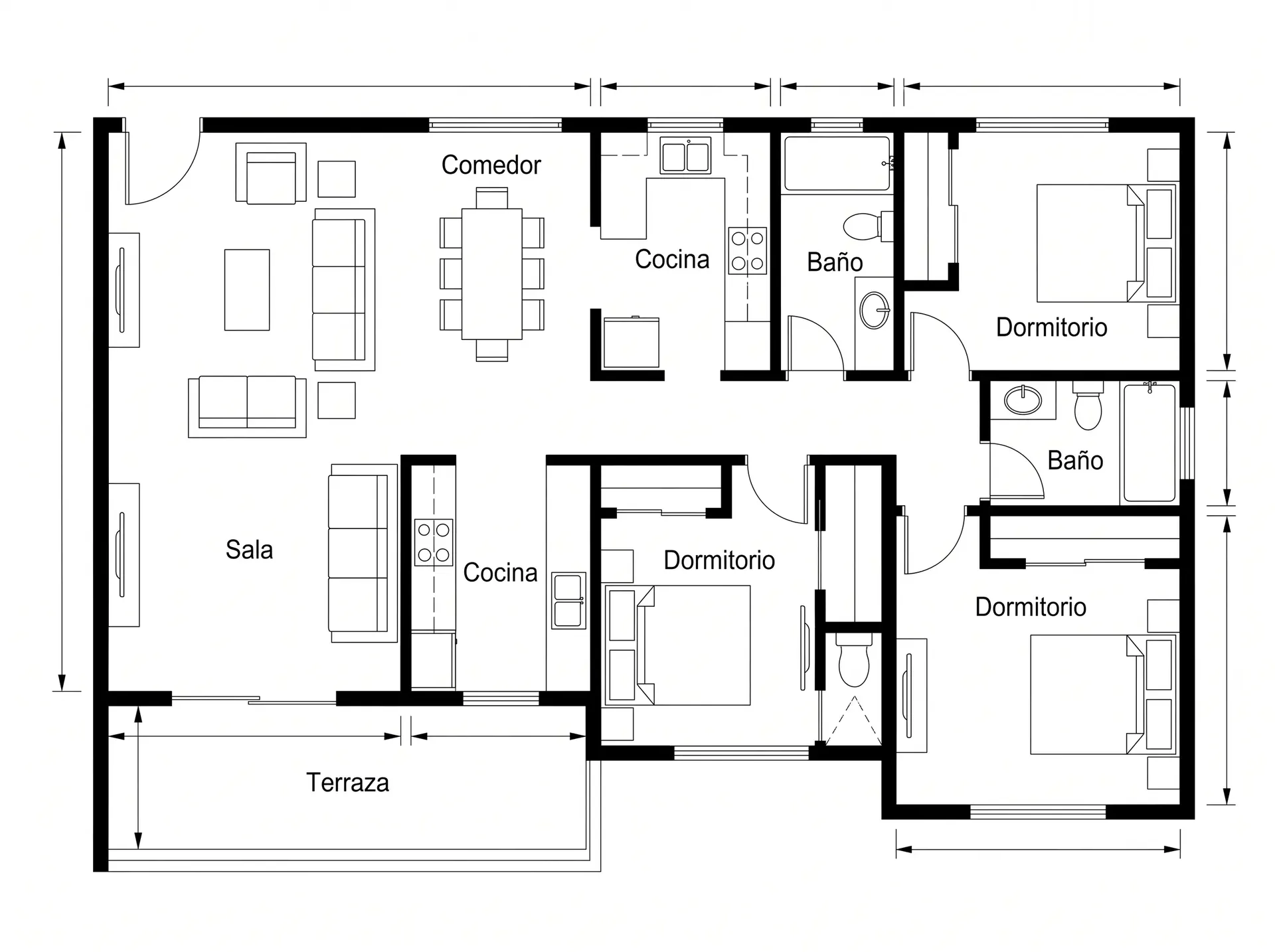
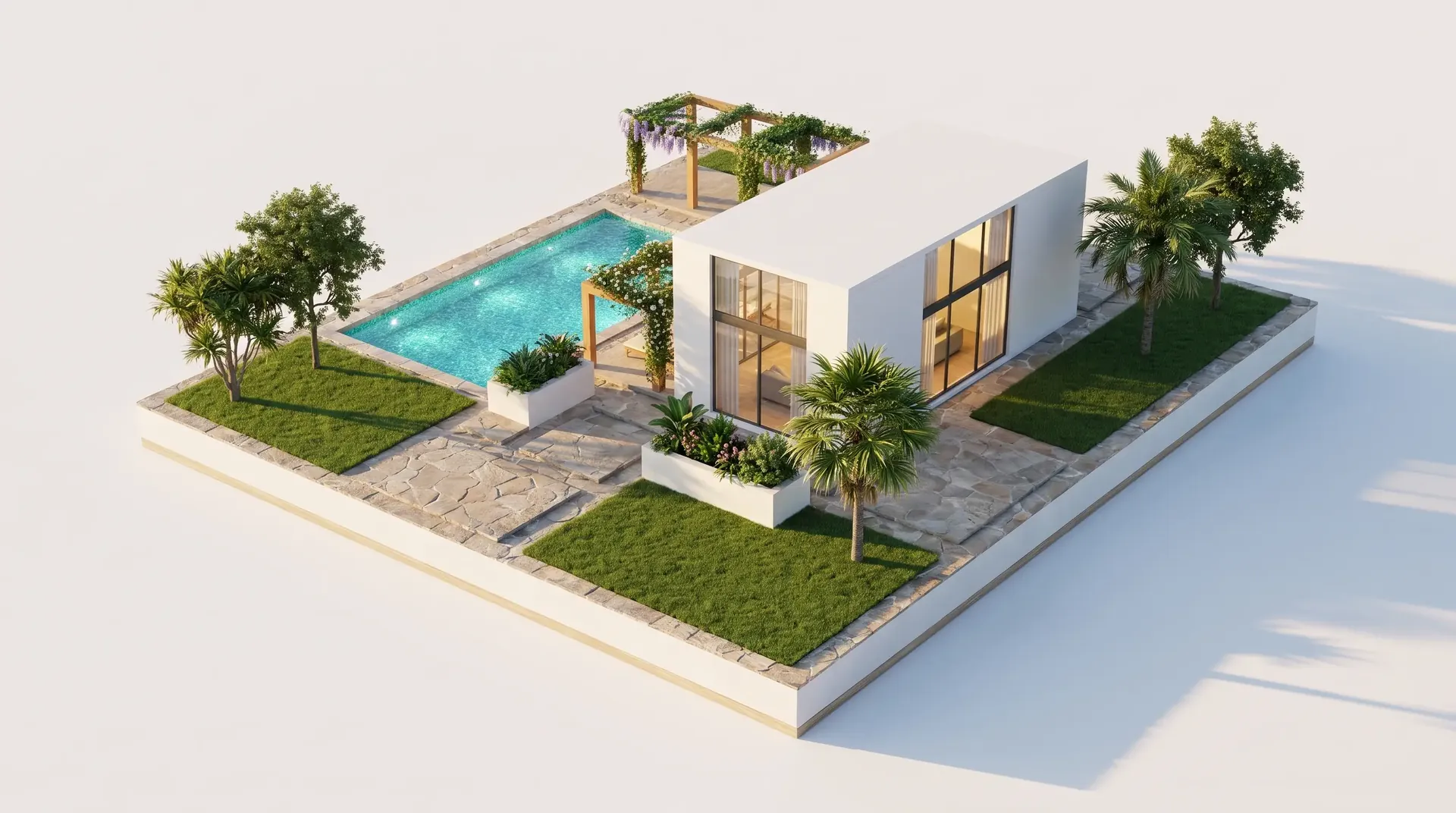
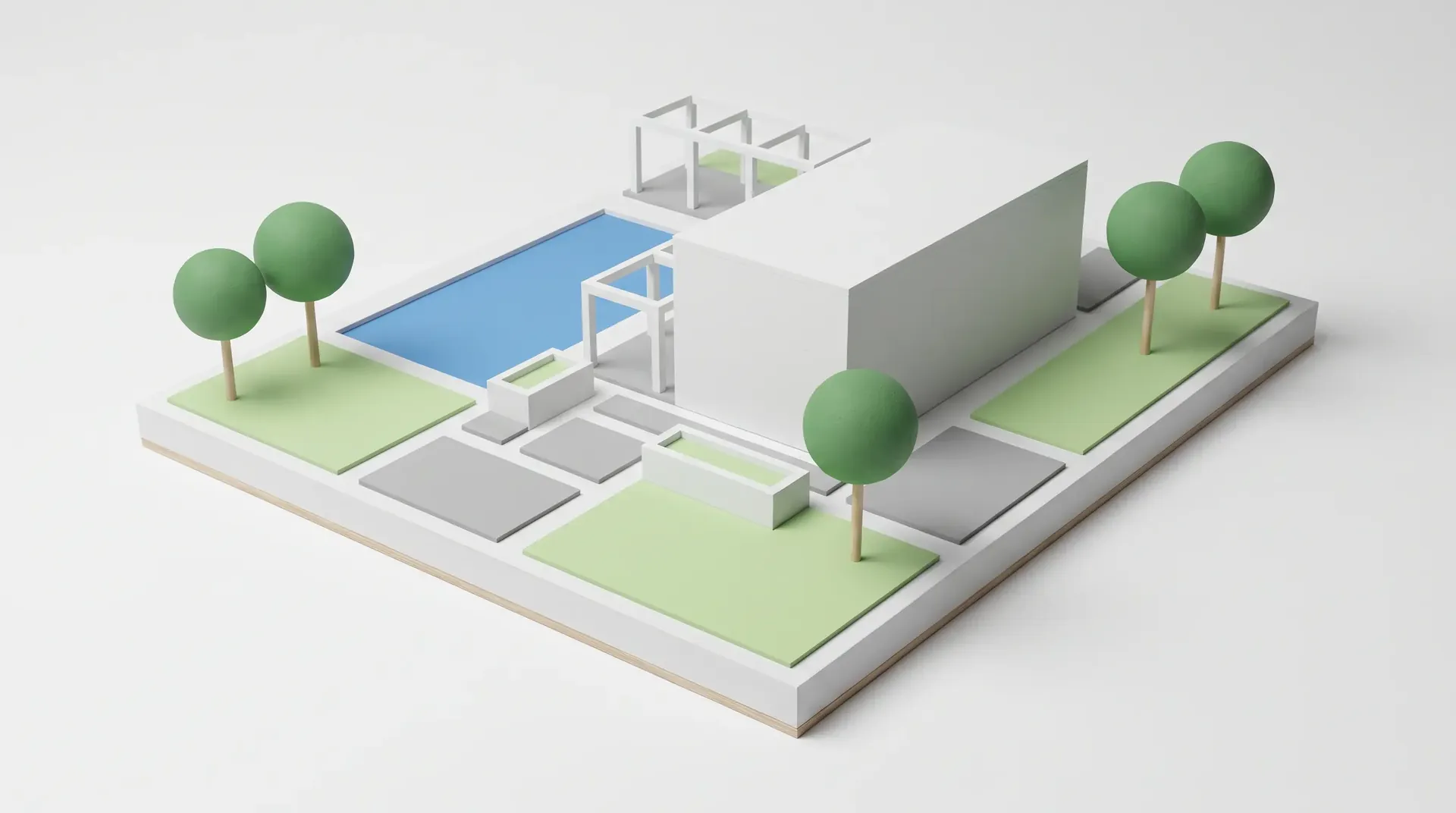
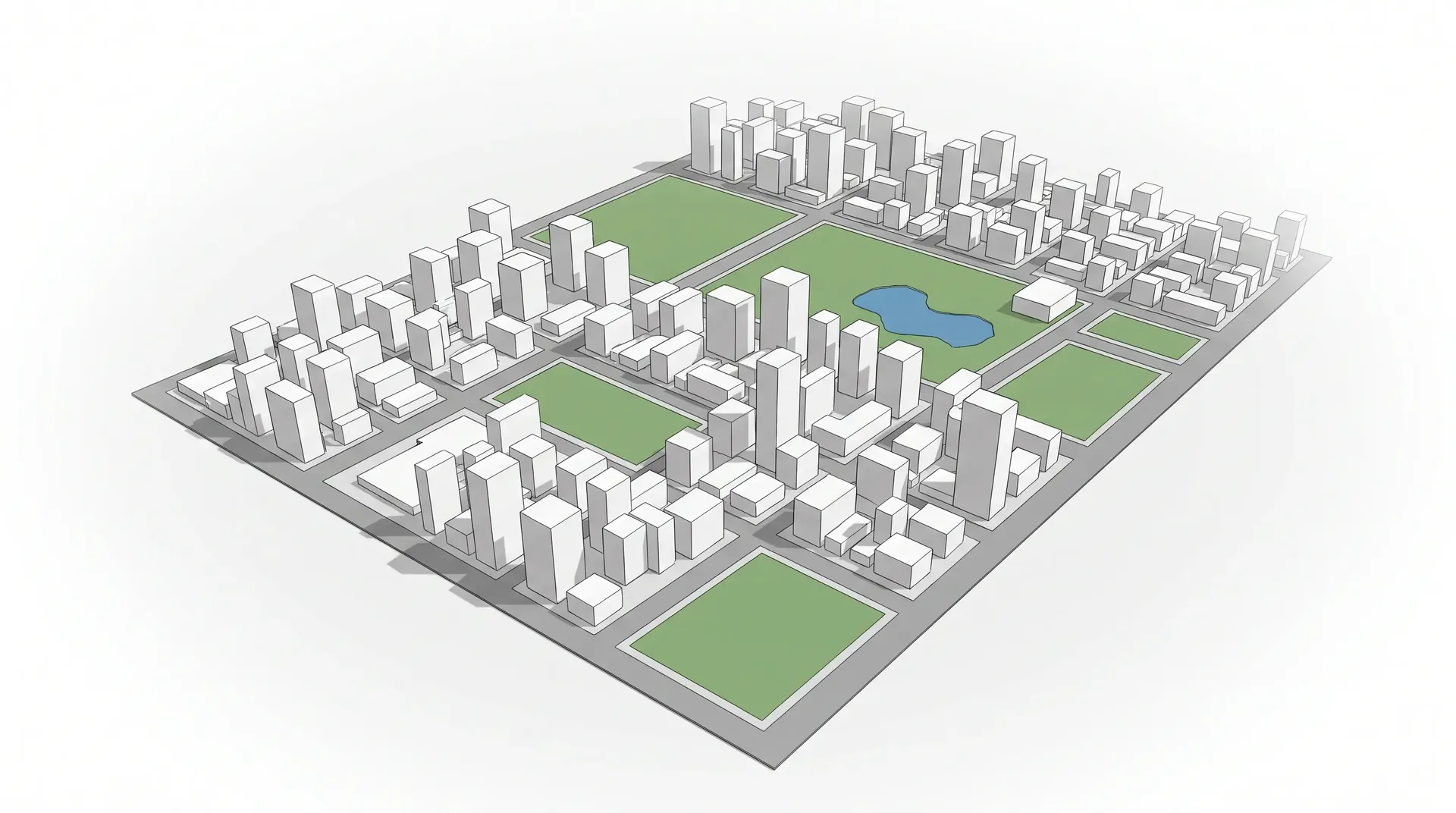
One render, every version
Change the time, the material or the style
without remodeling.
Show your client options in the same meeting: sunset, another facade, other furniture or the street full of life.
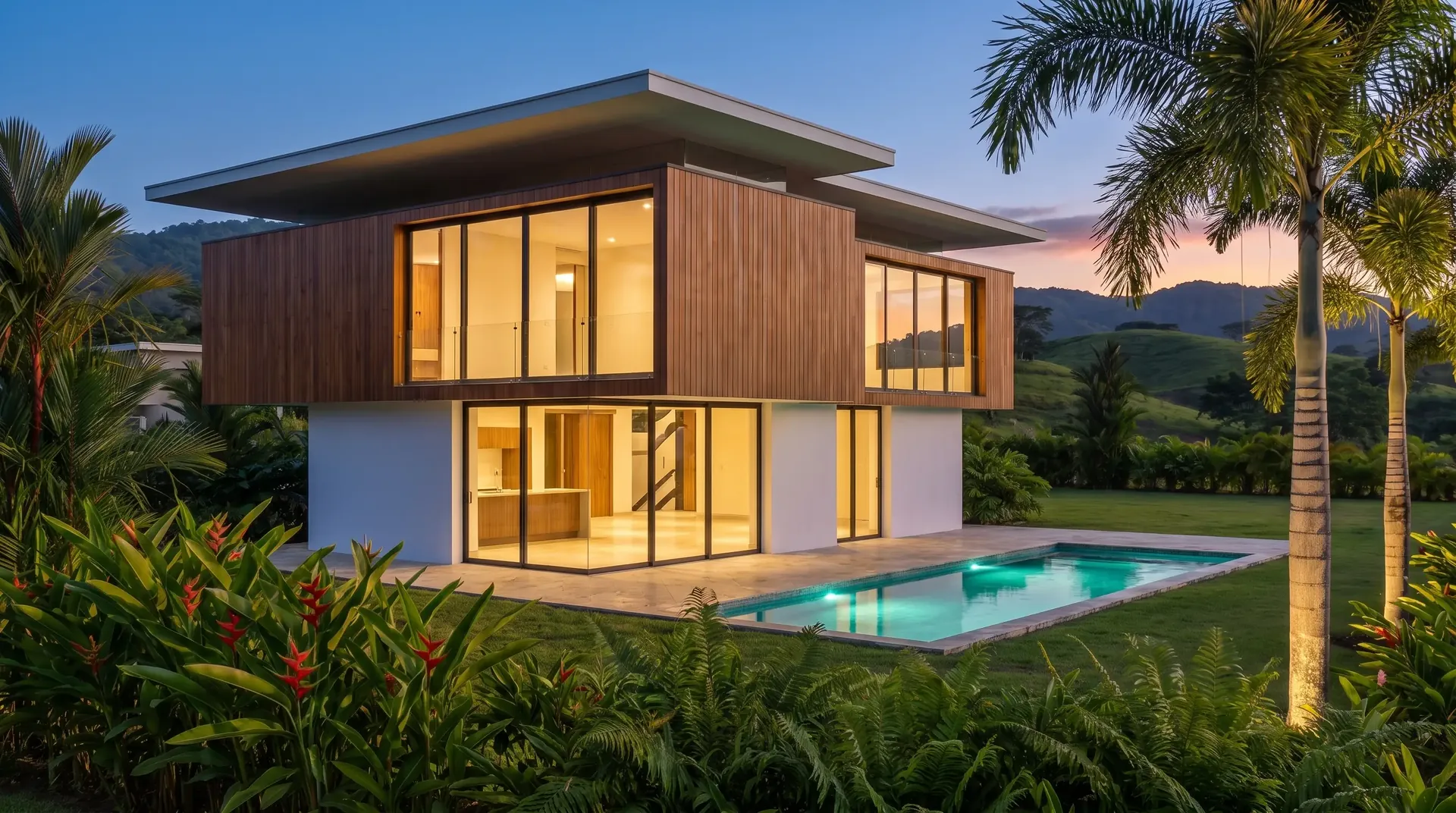
Day → blue hour
The same house at dusk, lights on.
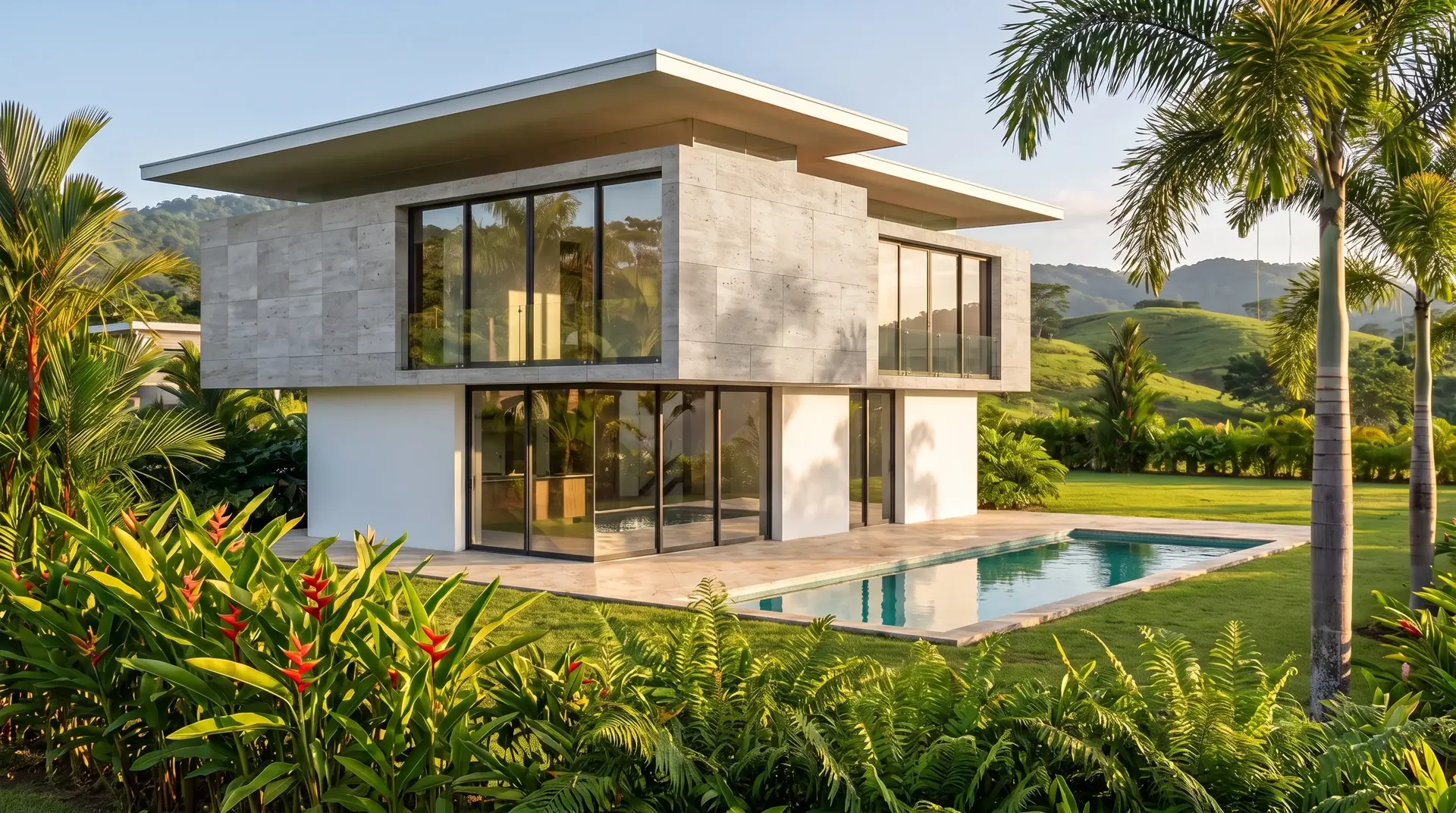
Wood → stone
Try another facade material in seconds.
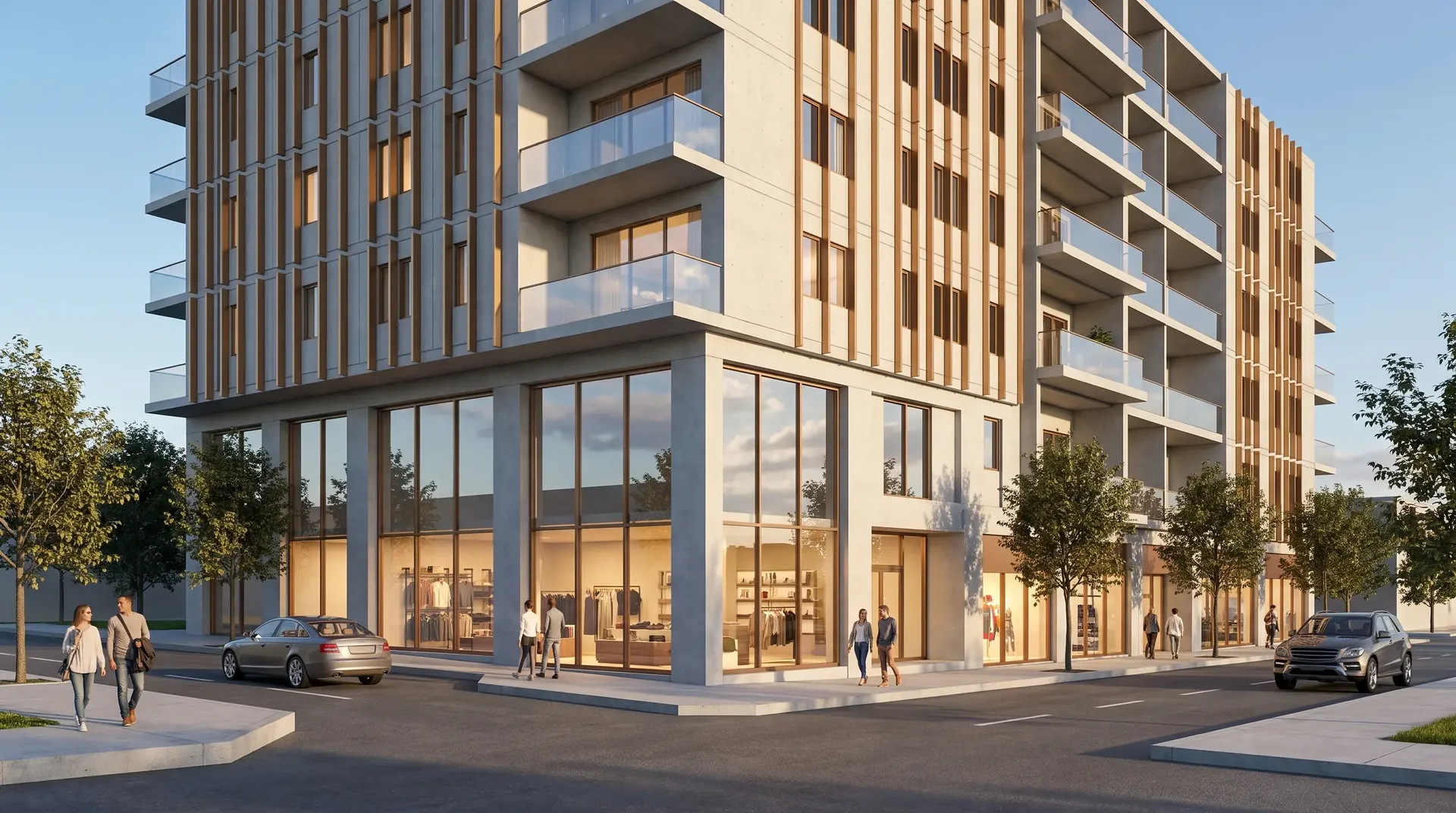
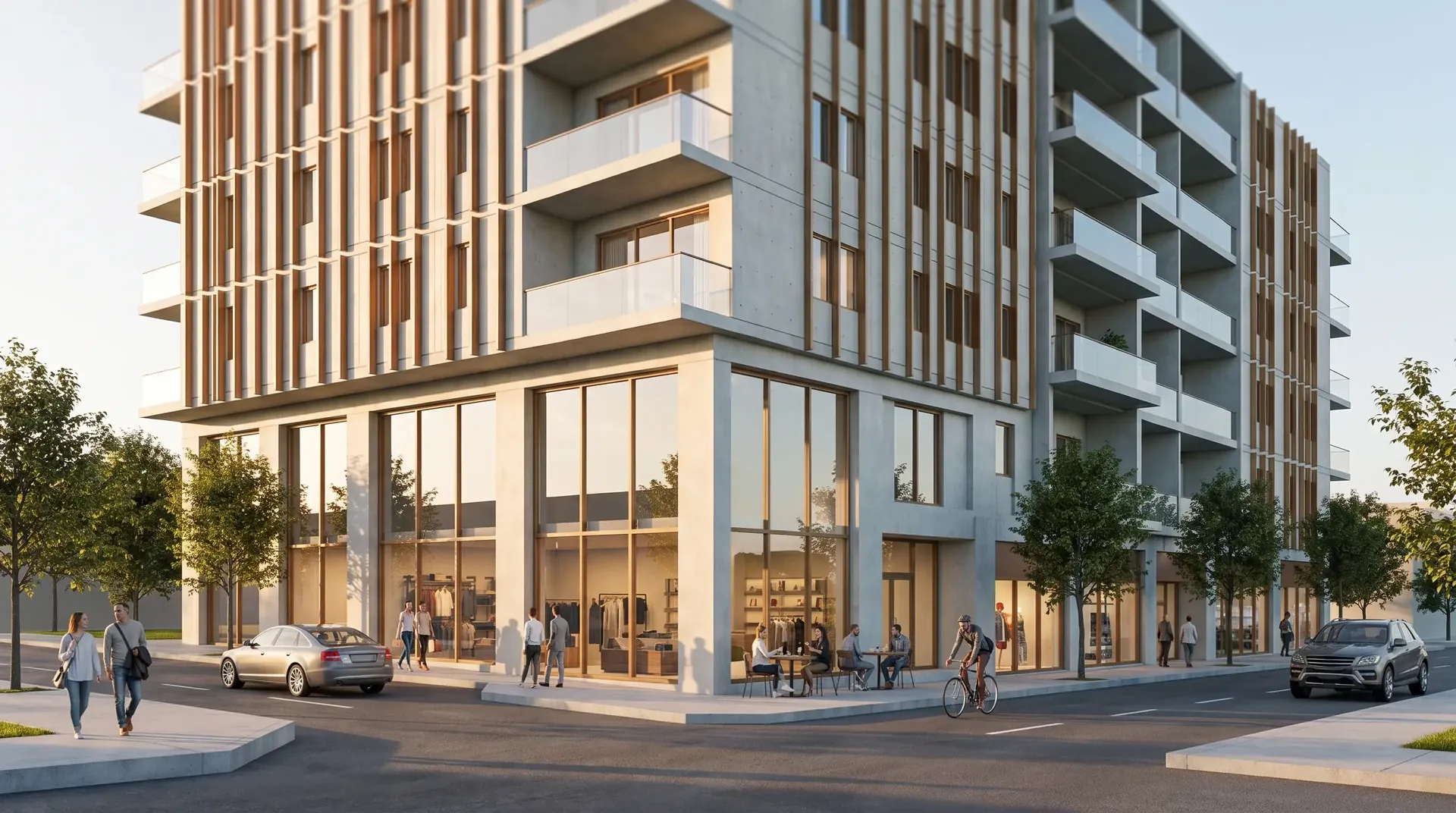
Render → lived-in photo
People, shops and traffic to show the project in use.
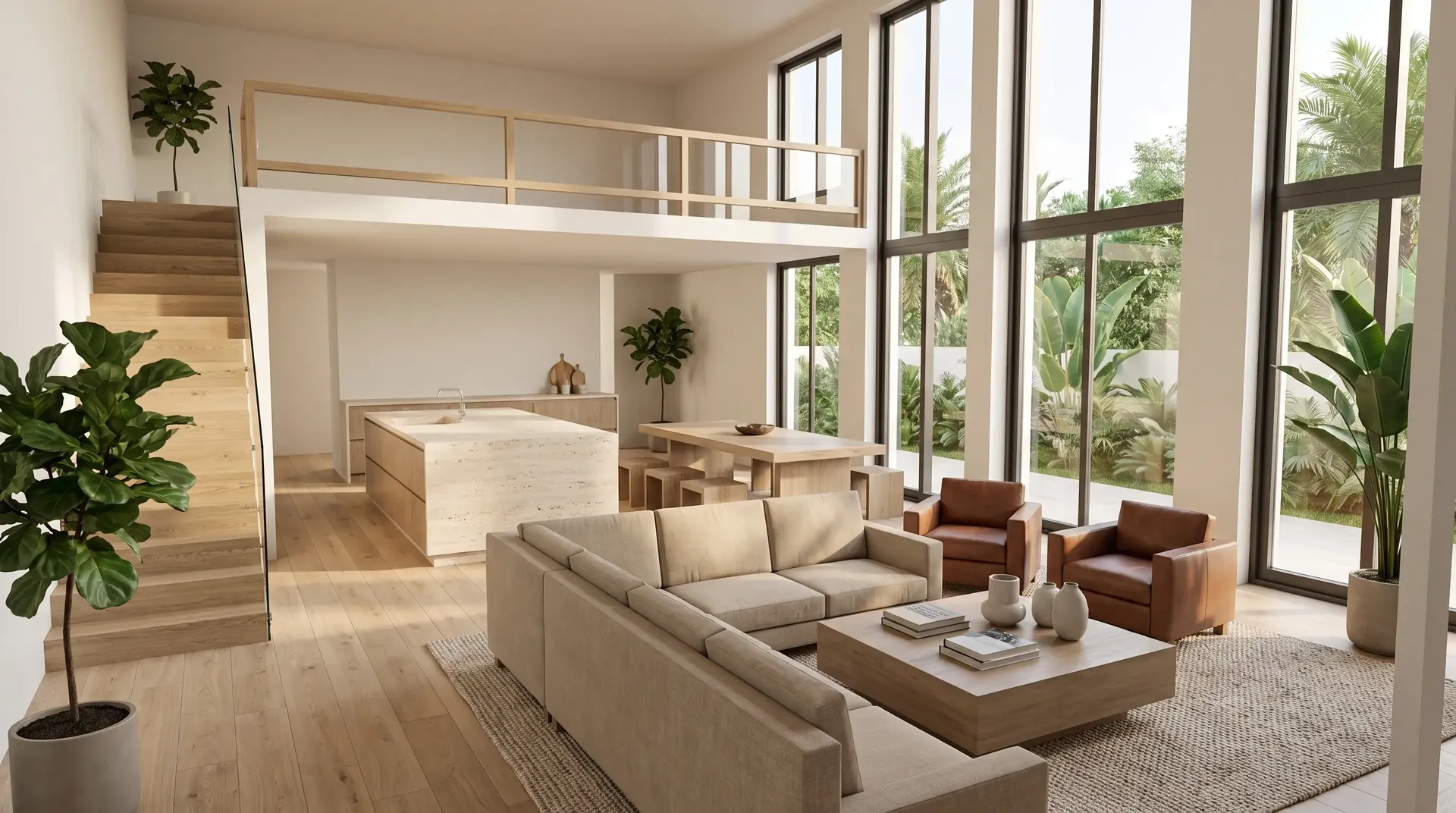
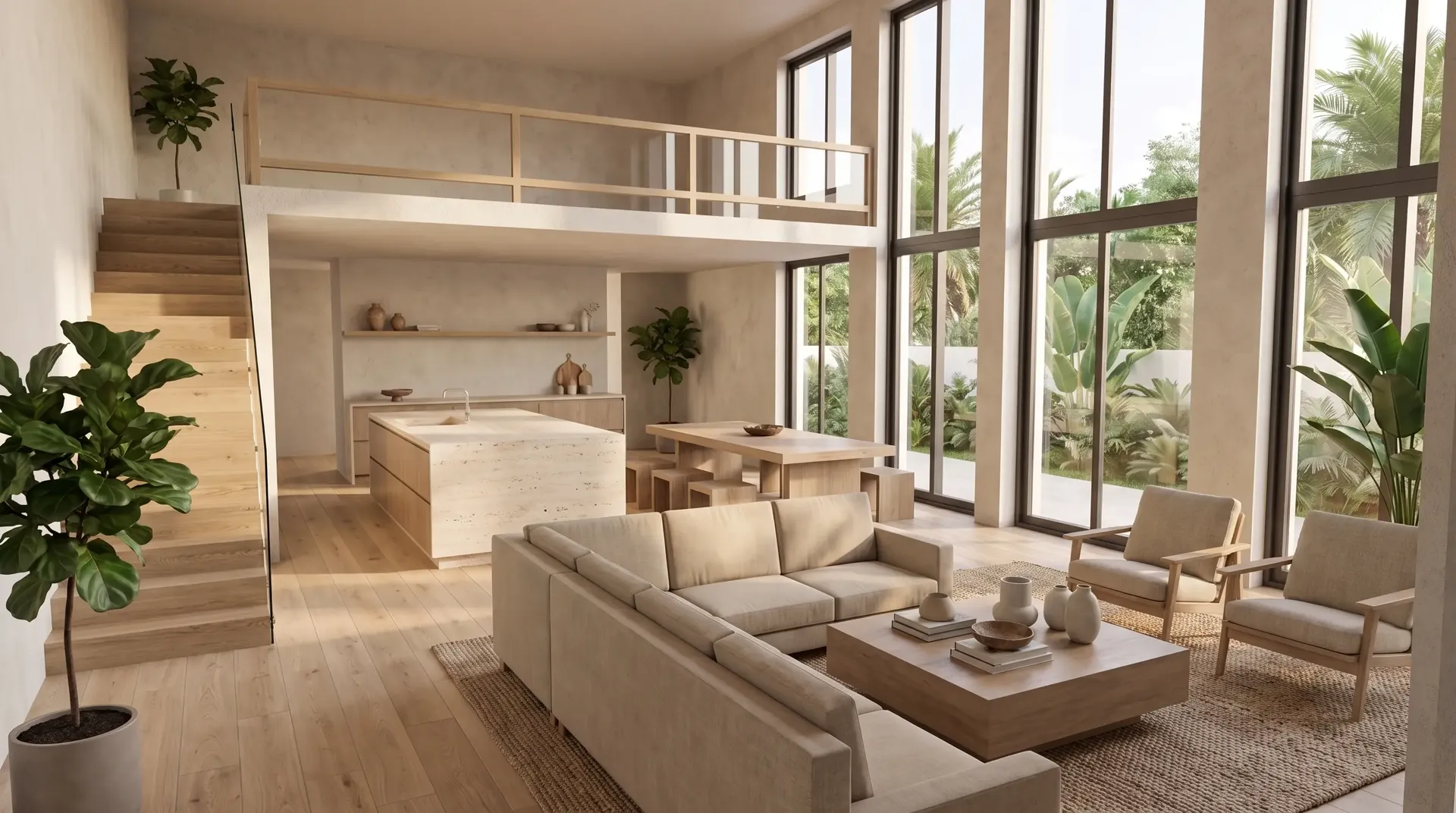
Another interior style
Same space in Japandi style with evening light.
Video
From image to cinematic walkthrough.
Drone shots, interior walkthroughs and slow push-ins, generated from your renders. Ready for social media, presentations and pre-sales.
How it works
Three steps. Minutes, not weeks.
- 01
Upload your design
A capture of the model, the drawing, the floor plan or a hand sketch. No textures or lighting needed.
- 02
Choose the result
Professional or phone-style photo, time of day, surroundings and materials. Mark areas to fix details.
- 03
Download photo and video
High-resolution images and short videos, organized by project for your team.
Professional or phone photo
Choose between an architecture-magazine shot or a casual, phone-style photo, ideal for social media and pre-sales.
Respects your design
Keeps volumes, openings and proportions. If something drifts, redo it free within your plan.
Tropical and coastal light
Vegetation, light and skies that fit warm-climate, coastal and resort projects.
For the whole team
Several users per account, shared projects and a one-click .zip download.
Nothing is lost
Images and videos you don’t use roll over for the next two months.
Secure
Encrypted connection and two-step verification on every account.
Pricing
A plan for every studio.
No contracts. Change plans or cancel anytime.
Lite
For independent architects and one-off projects.
- Images per month30
- Videos per month3
- Users1
- Storage10 GB
- Processing priorityStandard
- SupportLimited
Pro
For those who present projects every week.
- Images per month75
- Videos per month10
- Users1
- Storage50 GB
- Processing priorityMedium
- SupportBasic, by email
Studio
For studios with a small team.
- Images per month225
- Videos per month25
- Users3
- Storage200 GB
- Processing priorityHigh
- SupportAdvanced, by email
Enterprise
For developers, agencies and high volume.
- Images per month550
- Videos per month55
- Users5
- Storage500 GB
- Processing priorityHighest
- SupportAdvanced, by email or call
Need more one month?
Extra packs without changing plans: 25 images $12 · 60 images $25 · 5 videos $15.
Archive mode · $15/mo
Finished the project? Keep everything stored, view it and download it without paying for a full plan.
Prices in US dollars. No sales tax or VAT is added for customers outside Costa Rica.
Where we work
For architects across the Americas.
Render Studio works online from any country. These pages cover pricing, payment and invoicing for each market.
FAQ
What people usually ask.
Can I pay in Canadian dollars?
Plans are billed in US dollars by card. If your card is in CAD, your bank converts it at the day's rate.
What invoice do I get?
An electronic export invoice issued from Costa Rica with the business details you enter in your account. Ask your accountant how to record services purchased from abroad.
Does it work for condo presales and custom homes?
Yes. Generate facades, amenities, model suites, furnished floor plans and short videos for sales centres, brochures and ads before construction starts.
How are the images created?
The platform analyzes your design and generates the photograph automatically with artificial intelligence, respecting the project’s geometry. No textures, lights or cameras to set up: upload the design, pick the style and the result is ready in minutes. If something isn’t right, you can fix specific areas or run it again.
How much does an architectural render cost with Render Studio?
Plans range from $19 to $299 per month and include 30 to 550 images and 3 to 55 videos. Depending on the plan, each image costs under $0.70. Paying yearly, you pay for 10 months and get 12.
Does it work with SketchUp, Revit and other software?
Yes. You upload an image (JPG or PNG) of your design: a SketchUp, Revit, ArchiCAD, Rhino or unfinished Lumion capture, a CAD drawing, a floor plan or even a photo of a hand sketch.
How long does a render take?
Minutes. Upload the design, pick the style and get the image in the same session, with no multi-day turnaround.
Will it change my design?
The platform is built to respect geometry, windows and proportions. If a result drifts, flag it and it’s redone without using your balance (within your plan’s free redos).
Can I make videos of my project?
Yes. Every plan includes short videos generated from your renders: drone shots, exterior and interior walkthroughs and slow push-ins.
Can I use it from the United States?
Yes. Render Studio is an online service billed in US dollars by card. No sales tax or VAT is added for customers outside Costa Rica.
What happens when many people are generating at the same time?
Every generation goes into a queue and is processed in turn. When demand is high, higher plans get higher processing priority: Lite standard, Pro medium, Studio high and Enterprise highest. While you wait, the platform shows your place in the queue and you can keep working.
What support does each plan include?
Lite has limited support, Pro basic email support, Studio advanced email support and Enterprise advanced support by email or phone call.
What happens to images I don’t use?
They accumulate and you can use them during the next two months. After that they expire.
Can I cancel anytime?
Yes. Cancel from your dashboard and keep access until the end of the paid period. You can also pause one month a year or switch to archive mode.
How am I charged?
By card, automatically every month or year, through Tilopay. Render Studio never sees or stores your card details.
Who owns the images?
You do. Use them in presentations, pre-sales, social media and advertising for your project.
Show the project
before it’s built.
Start now